Zapier and Make: Bringing Workflow Automation to the Masses
In this chapter, we will look at Zapier and Make, two of the most representative tools that accelerated the mainstream adoption of workflow automation. Both platforms were built so that not just developers, but non-developers as well, could easily build automations.
For example, you can build a system that sends a Slack notification when an email arrives, or automatically logs a form submission to Google Sheets, all without writing a single line of code. It sounds obvious today, but the tools that first made this kind of automation possible "without development" were Zapier and Make.
These two services expanded workflow automation from a developer domain into the domain of everyday office workers.
Zapier: A Simple Platform for Connecting Apps
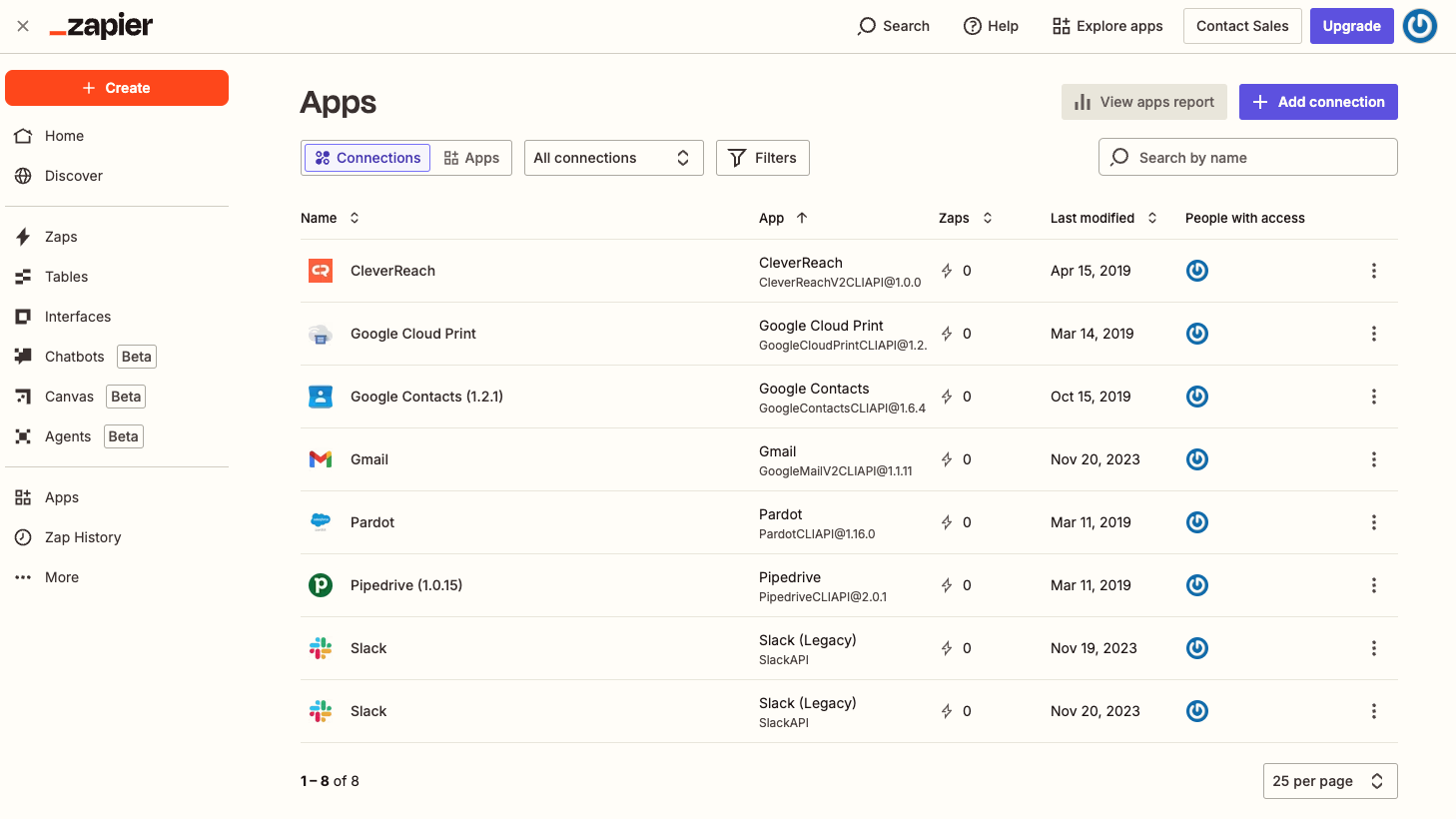
An example of managing multiple app connections in Zapier
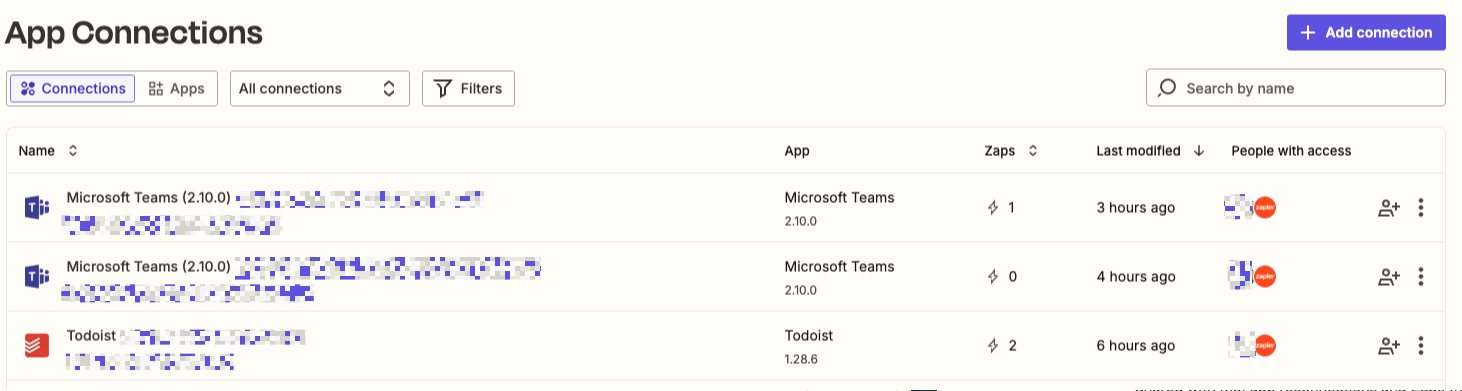
Managing connected apps such as Microsoft Teams and Todoist in Zapier
Zapier is a US-based automation platform founded in 2011. It started with the simple idea of "connecting apps to apps," and today it can connect thousands of services.
Zapier's core structure is very straightforward:
- Trigger: When something happens
- Action: Something else automatically runs elsewhere
For example:
- "New email in Gmail → Send a message in Slack"
- "Response submitted in Typeform → Record in Notion DB"
These single-flow automations are called Zaps in Zapier.
Zapier's characteristics:
- Intuitive and simple interface
- Fast setup with a low learning curve
- Strong for 1–2 step automations without complex branching
It is widely considered the fastest and easiest way for non-developers to start with automation.
Make: A Platform Built for Visual Workflow Design
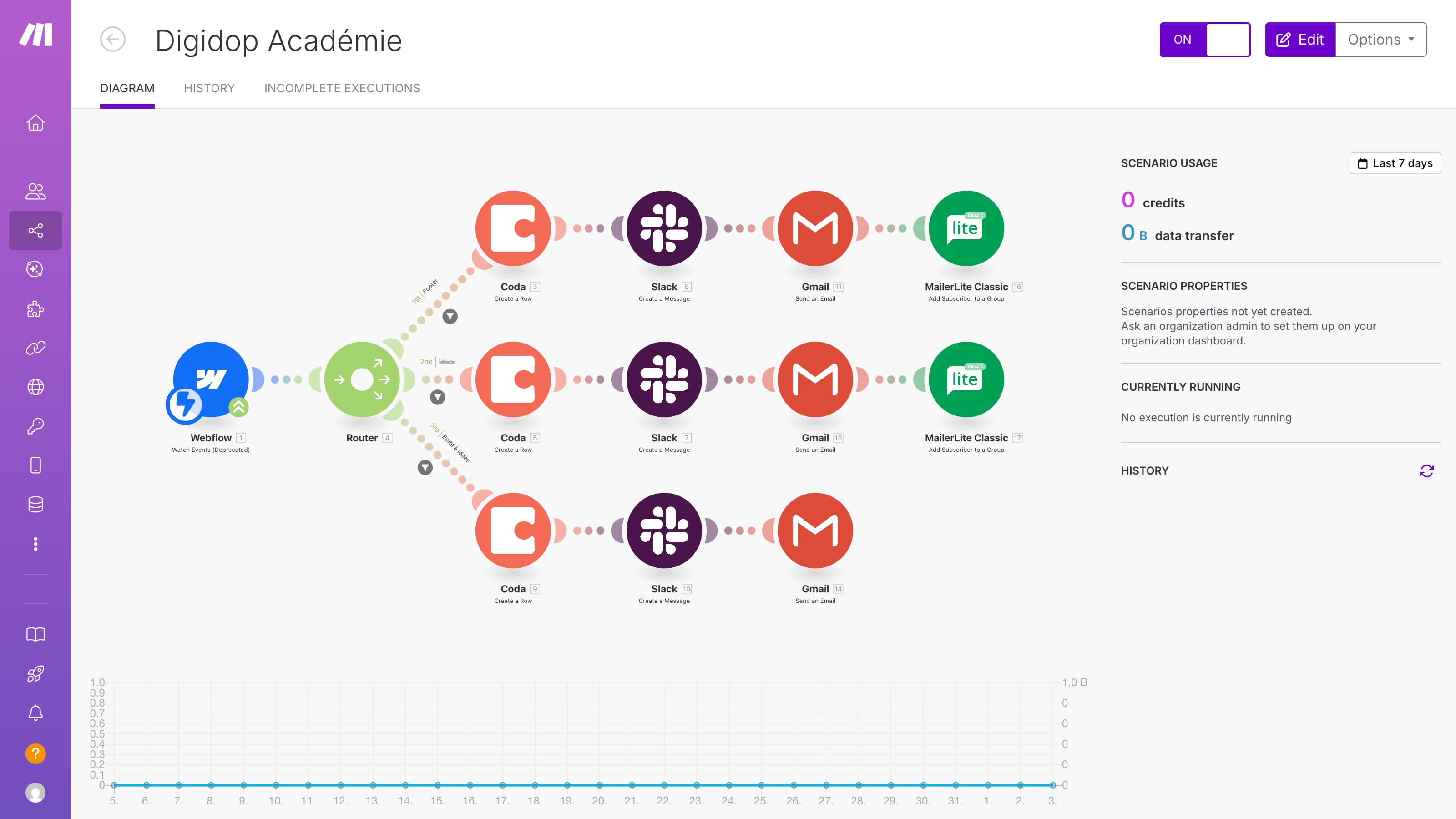
An example of an automation scenario diagram connecting multiple apps in Make
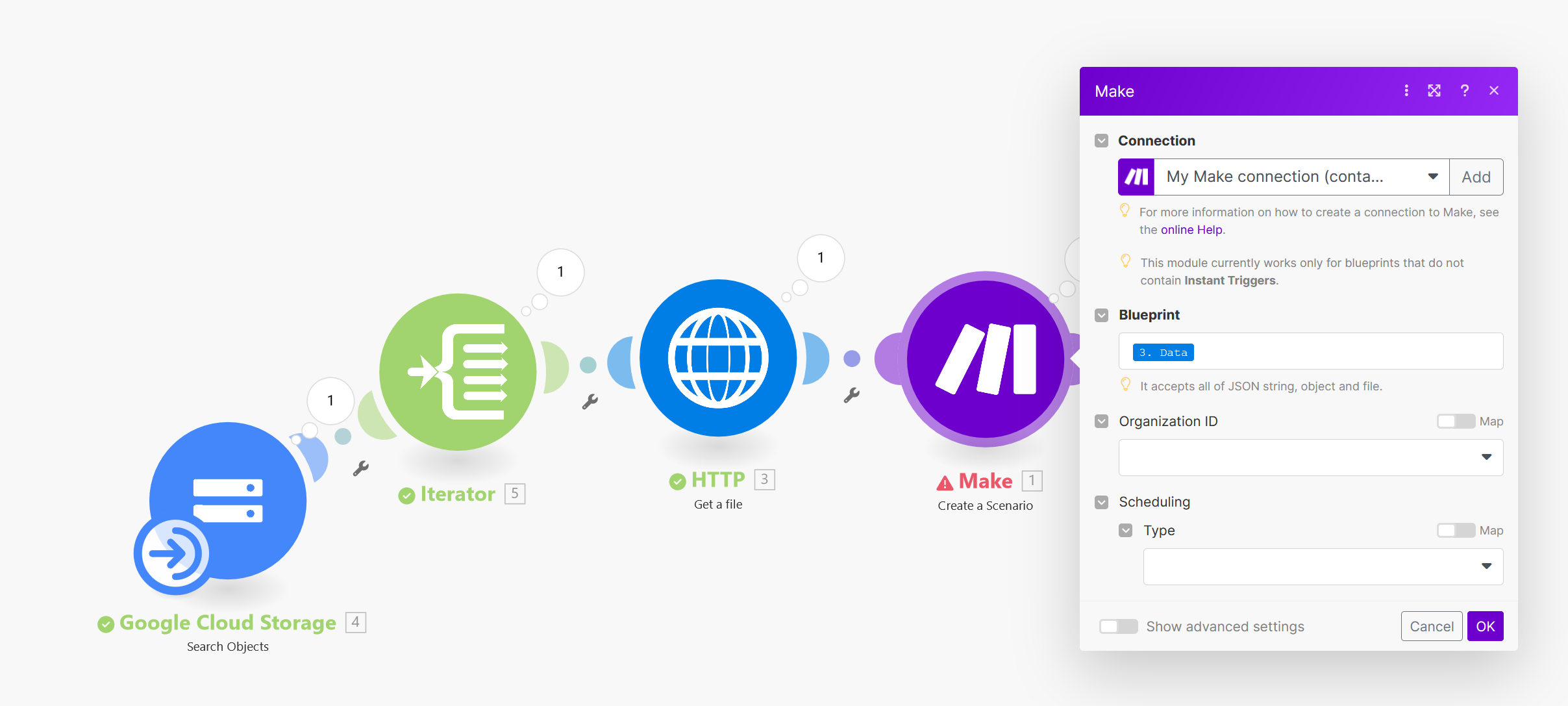
An automation configuration screen for creating scenarios
Make is a European-based automation platform that originally launched under the name Integromat. It later rebranded to Make and expanded globally in earnest.
Make's most distinctive feature is visual workflow design. Where Zapier displays "trigger → action" in a linear sequence, Make lets you design automations as a diagram connecting nodes. This structure makes it straightforward to handle things that would normally require programming:
- Conditional branching (If / Else)
- Loop processing
- Complex data transformation
- Multi-stream flows connecting several apps simultaneously
Make excels at "more complex, technical automations."
Zapier vs Make: How Are They Different?
| Aspect | Zapier | Make |
|---|---|---|
| Ease of use | Relatively easy | Moderate |
| Handling complex conditions | Limited | Powerful |
| Learning curve | Relatively low | Somewhat steeper |
| Best suited for | Operations/marketing/planning teams | Enterprise managers handling complex processes |
Zapier is best for users who want to get started with automation quickly. Make is best for users who want to design more complex automations.
Quick-start guides for each service are available at the links below:
Even without building an AI agent from scratch, you can use Zapier or Make to create an automation system that approximates one.
Want to learn more?
Join CodeFriends Plus membership or enroll in a course to start your journey.